
The Six Best FREE Word Cloud Generators of 2026
Each year I review the word cloud generators available and pick out the best of the free options. As ever, there is no single "best" word cloud generator, because different people and different situations have different needs. And, as ever, "free" means different things: some tools are completely free, while others offer a free version alongside a paid premium option. The big change since last year's review is the arrival of new contenders. Design platforms and live-polling tools have moved int

Will Poynter
4 mins read

Each year I review the word cloud generators available and pick out the best of the free options. As ever, there is no single "best" word cloud generator, because different people and different situations have different needs. And, as ever, "free" means different things: some tools are completely free, while others offer a free version alongside a paid premium option.
The big change since last year's review is the arrival of new contenders. Design platforms and live-polling tools have moved into the word cloud space, and the generative AI assistants keep getting better at producing quick visualisations. So this year's list grows to six.
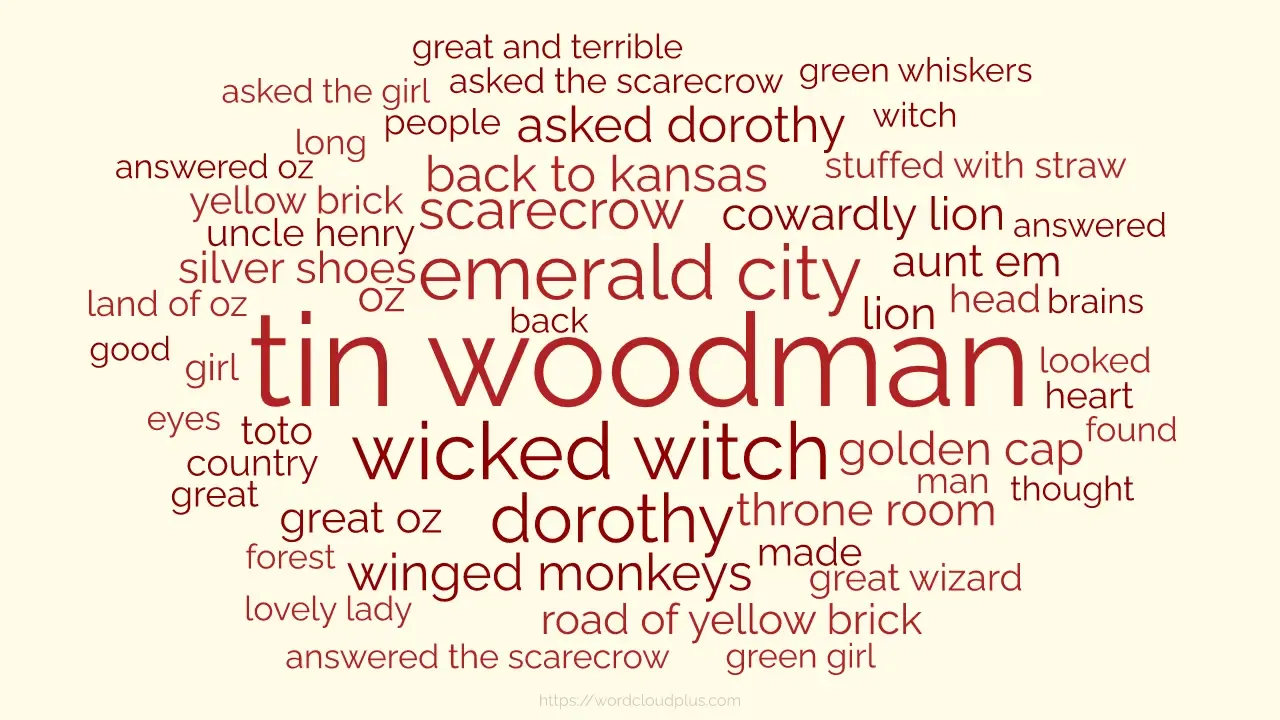
1. Word Cloud Plus – best for insight-driven word clouds
I'll start with our own Word Cloud Plus, which we built to address what we saw as unmet needs in the market. Most generators stop at the picture; Word Cloud Plus is designed for people who want to link the word cloud to insights.
Pros: The free version is fully featured. You can focus on phrases as well as single words, manually format and rearrange words, and drill down into the underlying data to see the verbatim text behind each word — which is where the real analysis happens.
Cons: Some of the more advanced features require the premium version.
2. WordArt – best for visually stunning word clouds
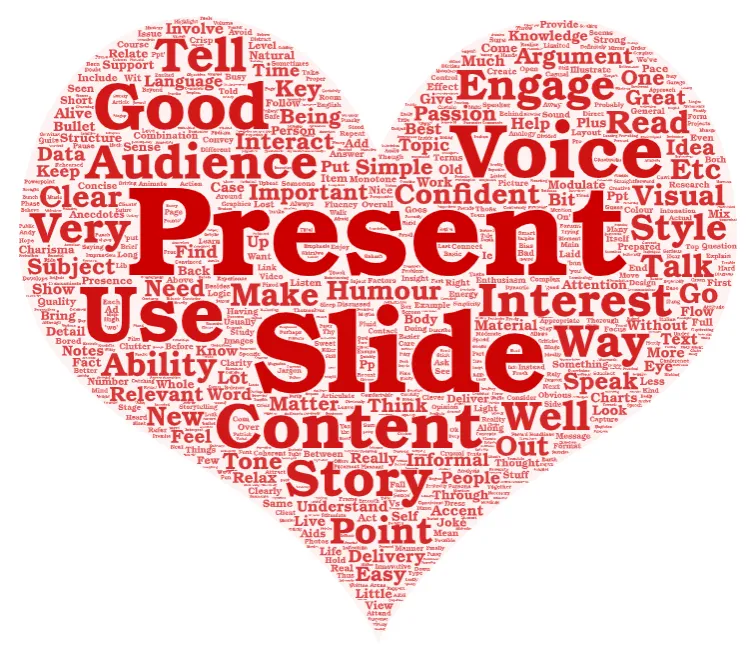
WordArt remains the go-to option when visual impact matters most. It automatically removes stop words and numbers, and it lets you shape your word cloud around custom images — hearts, logos, maps, animals, and hundreds of other templates.
Pros: Free to use for on-screen clouds, with a huge range of fonts, shapes, and styling options.
Cons: High-resolution downloads require payment, and free exports are watermarked. Analytical value is low.
3. Jason Davies' Word Cloud Generator – best for simplicity
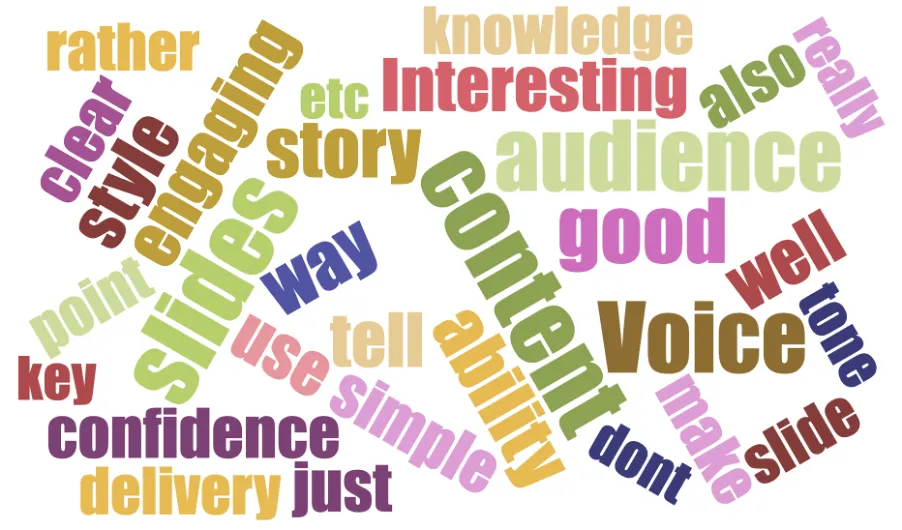
The veteran of the list. Jason Davies' generator is built on his open-source d3-cloud library, itself inspired by Jonathan Feinberg's much-missed Wordle. Paste your text, choose fonts, angles, and word counts, and you have a cloud in seconds - no sign-up, no ads, no fuss.
Pros: Completely free, runs in the browser, and now exports SVG and PNG (including 4K and transparent versions).
Cons: Minimal analysis features - multi-word phrases need preparing in advance, and there is no drill-down into the data.
4. Canva Word Cloud Generator – new contender, best for design workflows
New to the list this year. Canva's word cloud generator brings word clouds into its design ecosystem, with AI assistance to generate and style clouds that drop straight into presentations, social posts, and documents.
Pros: Free with a Canva account, polished output, and seamless integration if your word cloud is destined for a slide deck or infographic.
Cons: It is a design tool first - there is little support for analysing the text behind the picture, and heavy Canva branding nudges you towards its paid tiers.

5. Mentimeter – new contender, best for live audiences
Also new to the list, though not a new tool. Mentimeter creates word clouds live: your audience submits words from their phones via a link or QR code, and the cloud grows on screen in real time. Wonderful for workshops, lectures, and conference sessions.
Pros: Free plan available, genuinely engaging in live settings, and the fastest way to gather and visualise audience input in one step.
Cons: The free plan is limited (a couple of questions per presentation), and it is built for collecting new text, not analysing text you already have.
6. AI assistants (ChatGPT, Claude, and Gemini) – best for combining word clouds with generative AI
The generative AI assistants have all improved their data visualisation since last year, and each can now produce a serviceable word cloud from pasted or uploaded text — often alongside a summary or thematic analysis, which is a genuinely useful pairing.
Pros: One tool for summarising, analysing, and visualising. Good for quick exploration of a document.
Cons: Editing and formatting the result remains hit-and-miss compared with a dedicated tool, and free tiers limit usage. The frequency counts are not always reliable, so check before publishing.
A farewell
Last year's lists included MonkeyLearn's free word cloud generator. Following MonkeyLearn's absorption into Medallia, the free tool has effectively disappeared, so it drops off the list. If you relied on it, see what it did and where each feature went in WordCloud+.
Over to you
Do you have a favourite free word cloud generator that I have missed? Email me and I will take a look — this is a fast-moving category, and I am always happy to update my recommendations.
And if you would like word clouds that go beyond the picture to the insights underneath, try Word Cloud Plus for free today.
Keep reading
New Scoring Algorithms
We've been busy at Word Cloud Plus and delivered two updates to our scoring algorithms. Our default algorithm, Combination Counting has been upgraded to improve grouping of long phrases and score reallocation. What does that mean? Using one of our old favourite datasets of 1000 reviews of Disneyland Hong Kong. Combination Counting (new generation) Combination Counting (classic) Getting more from the Data Our new scoring algorithm already does a better job of pulling out longer phrases lik
Three new examples: customer reviews, banking queries and scientific research
Three new examples have landed. Will Poynter, Word Cloud Plus's creator, shares our examples using customer reviews, banking queries and scientific research.
A tourist tax with barely a tourist in it
The government's response to the overnight visitor levy consultation runs to 10,000 words. “Strategic authorities” appears 60 times. “Tourists” appears none.
Try it on your own text
Paste text, rank the phrases that matter, export the cloud.